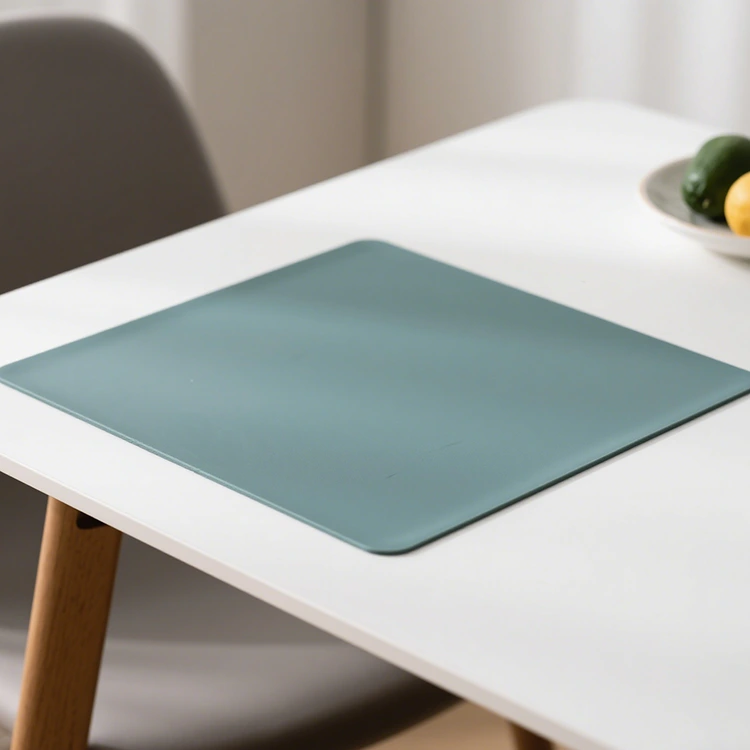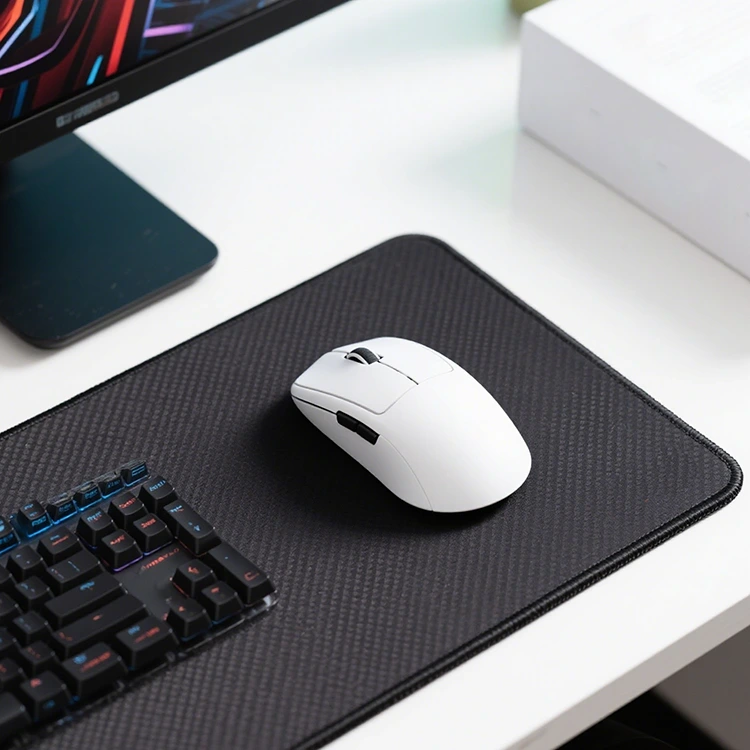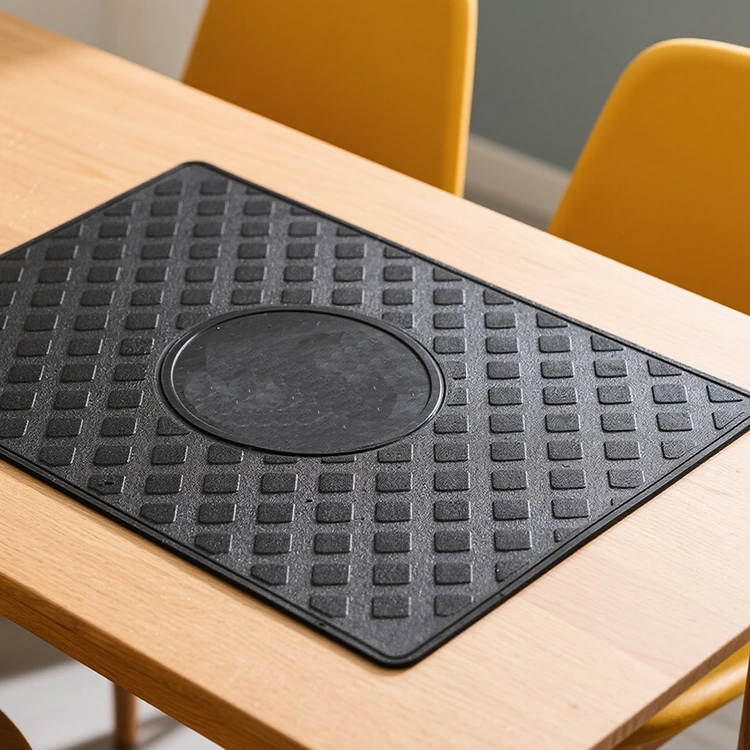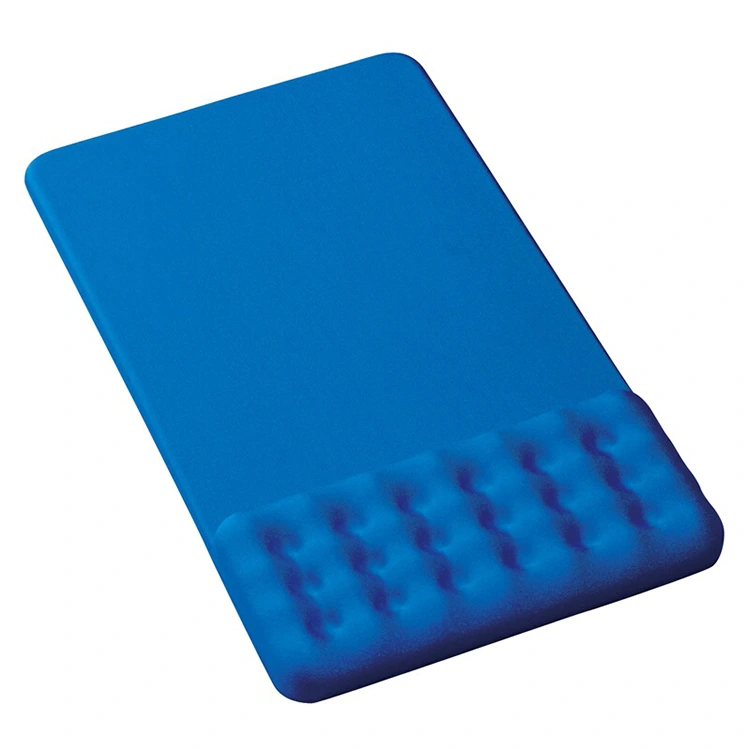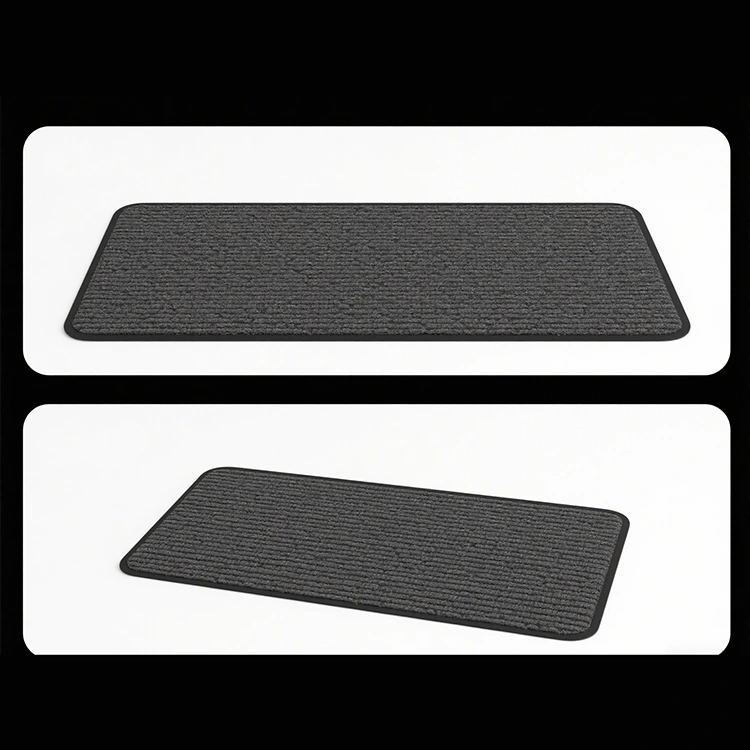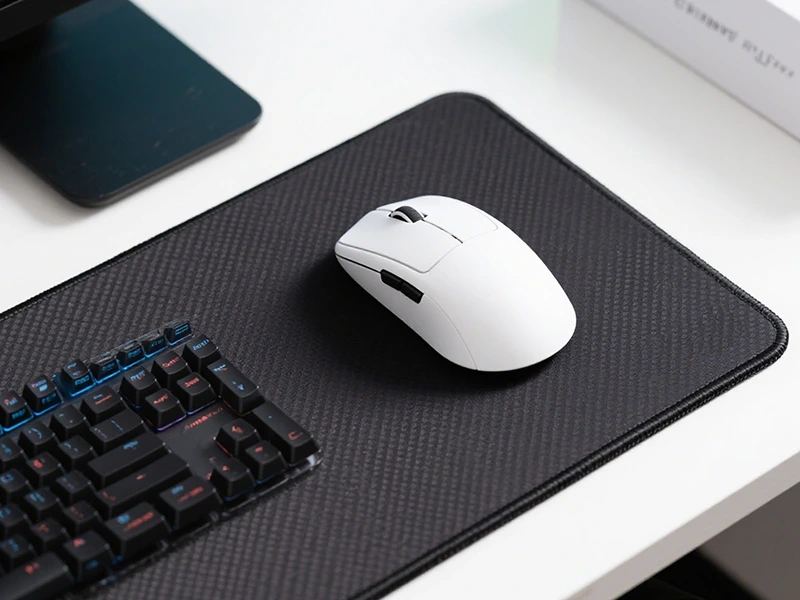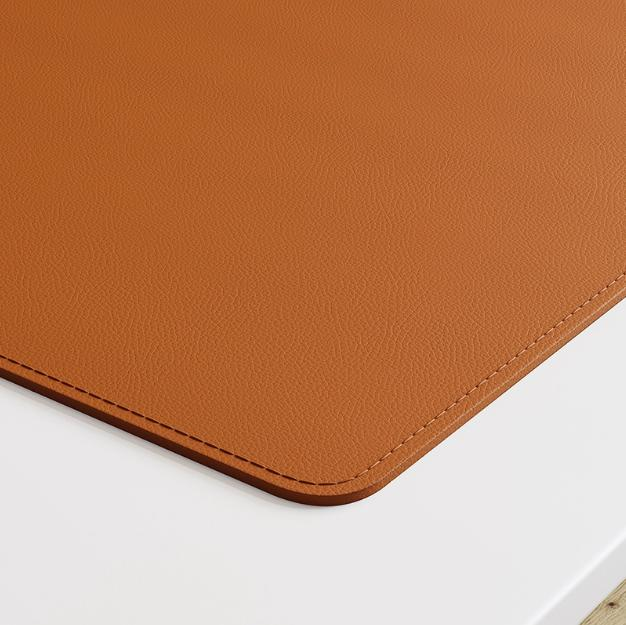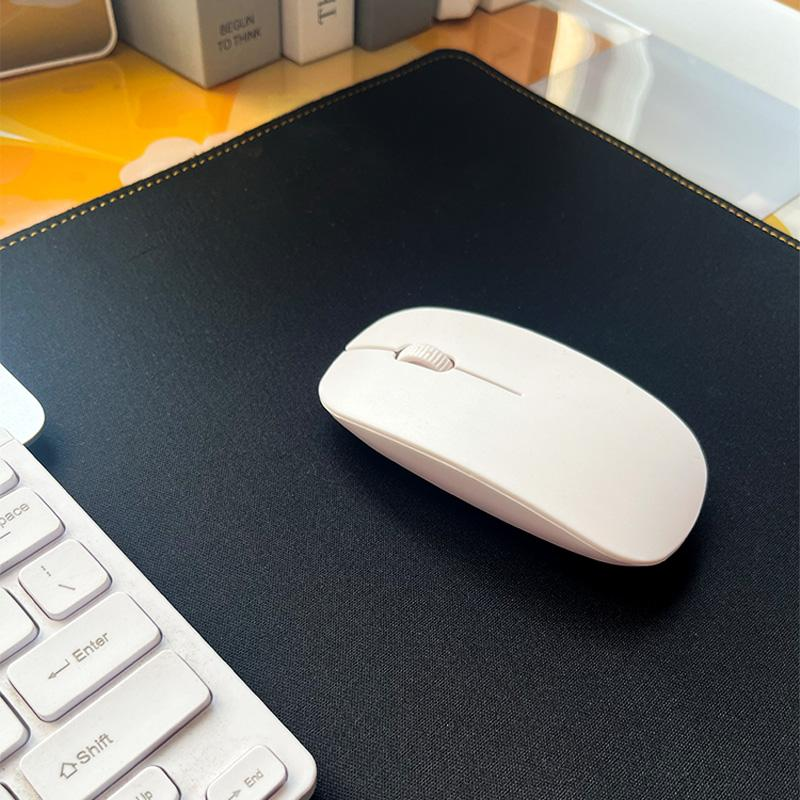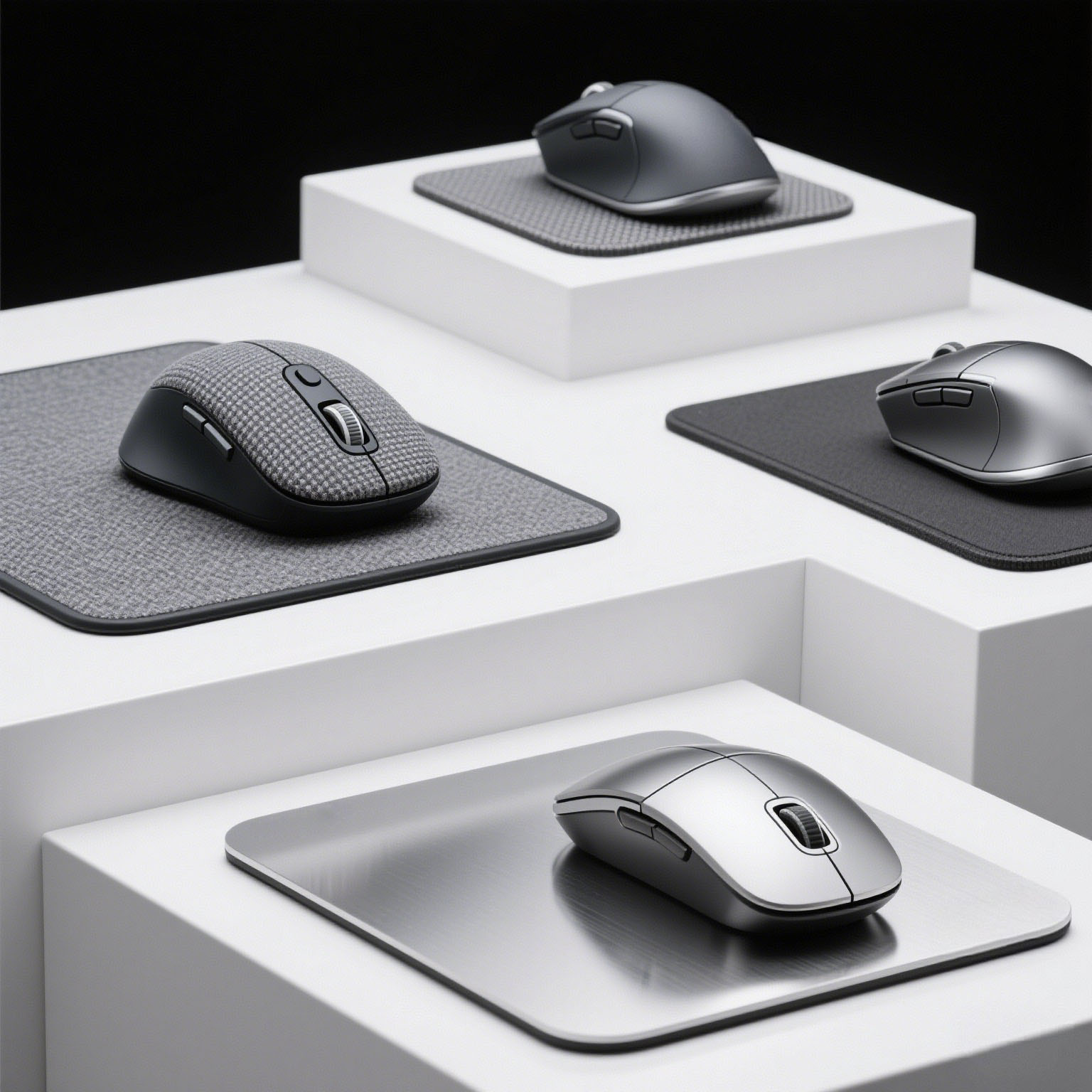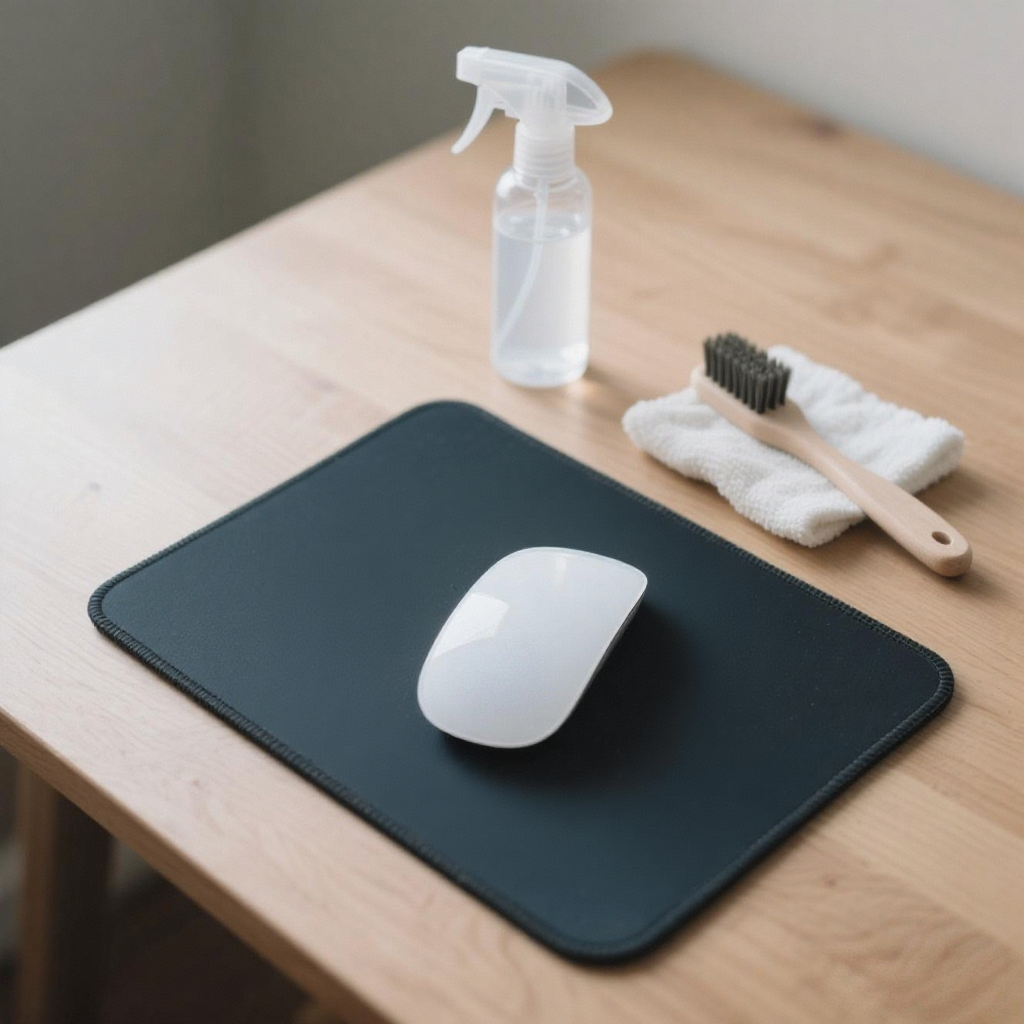
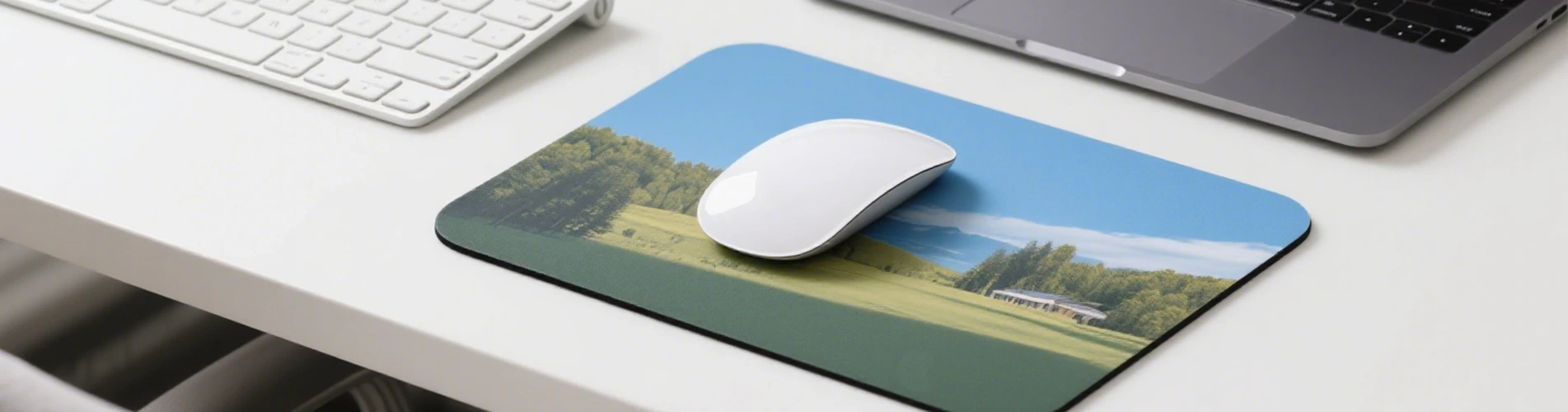
The mouse, as a standard input device, is indispensable, and with the continuous development of personal computers, its role is gradually surpassing that of the keyboard. However, a good horse needs a good saddle, and a good mouse is no exception; its best partner is undoubtedly a Mouse Pad.
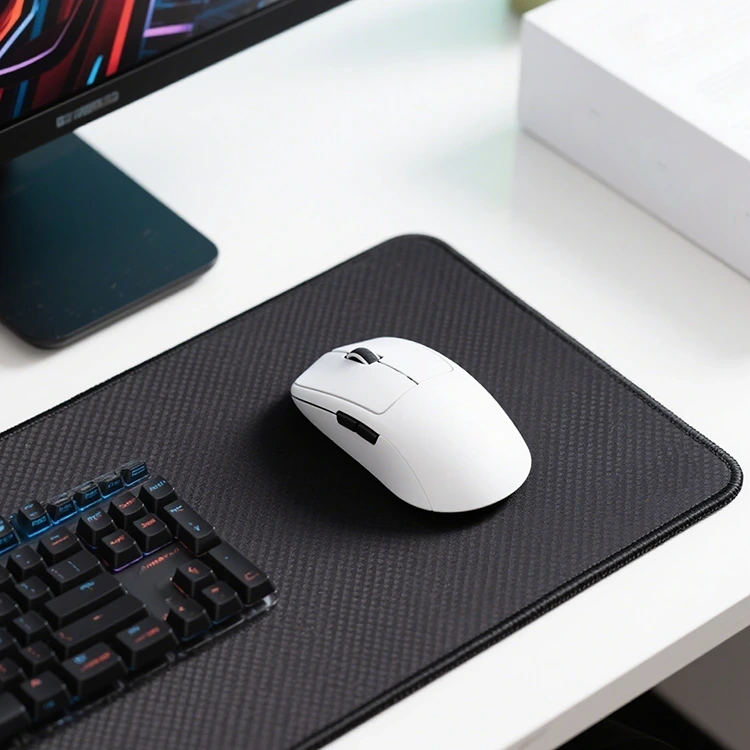
The advantages of using a Mouse Pad include protecting the desktop surface from damage during mouse use. It can effectively prevent dust and debris from accumulating on the bottom of the mouse. This reduces instances of the cursor suddenly jumping or freezing on the screen while using the mouse. It effectively improves the mouse's positioning accuracy and reduces the impact of external factors such as light and texture on the mouse's performance.The disadvantages of not using a Mouse Pad are the inability to ensure accurate mouse positioning and excessive wear and tear on the mouse's feet.
The cloth or rubber surface of the Mouse Pad has fine and uniform textures, which serve as the best reference points for the sensor. The sensor can capture clear, high-contrast images every time.
With clear images, the mouse can accurately calculate the distance you move, resulting in faster and more precise responses, making it feel more sensitive.
| Advantage | Principle |
|---|---|
| Precise & No Drift | Texture adapts to sensor for clear recognition |
| Smooth & No Stutter | Material optimizes friction, reducing obstacles |
| No Interference | Non-slip base fixes position, avoiding displacement |
| Stable Sensitivity | Uniform environment ensures consistent recognition rhythm |